
The compliance.tf registry is now public. Anyone can sign up, authenticate, and pull terraform-aws-modules with compliance controls already built in. No waitlist, and no sales call required to get started.
This is the short version: why a registry is the right place for compliance controls to live, what you actually get, and how to pull your first module today. The deeper mechanics already have their own articles, so this links out to them instead of repeating them.
Why put compliance in the registry?
Compliance controls usually live everywhere except where modules come from. They live in scanner policies that run after you write code, in wrapper modules each team maintains by hand, in PR checklists, in OPA rules, in the head of whoever set up the last audit. The module you pull stays general-purpose, and closing the gap between "general-purpose" and "compliant" is left to your team.
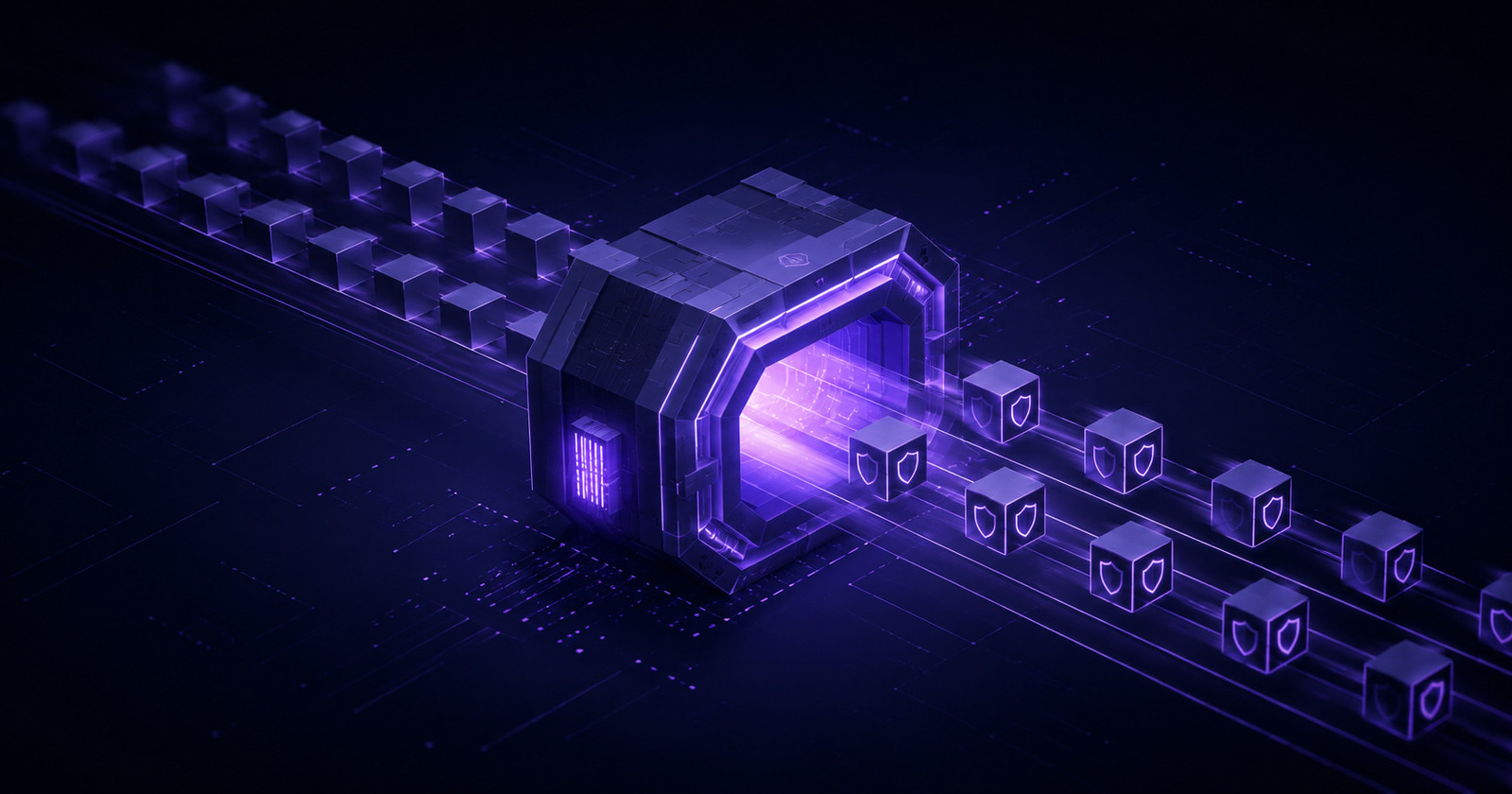
The registry is the one place every module already passes through. terraform init calls it for every module, every version, every time. Put the controls there and they travel with the module by default, instead of being bolted on by each consumer after the fact.
That is the whole idea. A registry that serves the same modules you already use, with the controls for your framework already written into the HCL. Nothing new to wire into CI, and no forks to keep current.
What you get
The interface is a normal Terraform registry. What changes is what the modules contain.
- The modules you already use. The registry serves curated versions of
terraform-aws-modules. Same variable names, same outputs, same module interface. For modules without a compliance.tf version, requests fall back to the upstream module, so you are never worse off than today. - Your framework as a subdomain.
soc2.compliance.tf,pcidss.compliance.tf,hipaa.compliance.tf,iso27001.compliance.tf,cis.compliance.tf, and 30+ more. The subdomain selects which control set applies. The sames3-bucketmodule enforces a different set under SOC 2 than under PCI DSS, because the frameworks ask for different things. - Controls enforced inside the module. Compliant defaults are on, required inputs are validated, and dangerous options are restricted. A non-compliant value fails at
terraform planwith a clear error, so there is no finding for a scanner to debate. The full mechanism is in Make Non-Compliant Terraform Impossible. - Your operational standards, too. Beyond compliance frameworks, the registry can enforce platform rules that Terraform's
lifecycleblock never let you parameterize:prevent_destroyon data,ignore_changeson tags, no provisioners, restricted instance types. That story is in Stop Paying the Terraform Fork Tax. - Visibility into every control. Each module page lists which controls are enforced, which you can disable, and which your organization has locked, each mapped to its framework clause.
See exactly what changed
The plain registry.compliance.tf host is just a proxy. It serves the upstream terraform-aws-modules with no controls applied. The framework subdomains are the same proxy with a control set layered on top. That is the only difference between them.
You do not have to take that on faith. Open any module page and use the framework filter to see exactly which controls are enforced under each framework, mapped to their clauses. And because the downloaded module is plain HCL, you can diff it against the upstream source yourself and see precisely which arguments were locked, which defaults changed, and which controls were added before you ever change a source line.
What it does not do
Worth stating plainly, because it keeps expectations honest:
- It does not detect runtime drift. If a setting is changed in the AWS console after deploy, that is still your scanner's job.
- It does not cover resources you did not provision through these modules.
- It covers the supported modules and controls, not every AWS service. Check the catalog before assuming a module is available.
The registry is a prevention layer that sits in front of the scanners and GRC tools you already run. It does not replace them. How the two halves fit together, and what auditors actually accept as evidence, is covered in Verifying compliance.tf Modules.
Use it in about five minutes
Authenticate once per framework host, then consume modules the way you always have.
# Log in (opens the browser to authorize, stores a token locally)
terraform login soc2.compliance.tf
Point a module at the registry. The only thing that changes is the source.
# Before
module "s3_bucket" {
  source  = "terraform-aws-modules/s3-bucket/aws"
  version = "5.14.0"
  bucket  = "audit-ready-data"
}

# After: SOC 2 controls now built into the module
module "s3_bucket" {
  source  = "soc2.compliance.tf/terraform-aws-modules/s3-bucket/aws"
  version = "5.14.0"
  bucket  = "audit-ready-data"
}
Then run Terraform normally:
terraform init
terraform plan
terraform plan shows the compliant resource. If you pass a value a control forbids, the plan fails with an explicit message naming the control, with a link to its documentation and framework mappings:
Control 's3_bucket_logging_enabled': `logging.target_bucket` must be set to enable S3 bucket access logging.
Read more: https://compliance.tf/docs/controls/aws/s3_bucket_logging_enabled/
Switching frameworks is a hostname change. The same module under PCI DSS:
module "s3_bucket" {
  source  = "pcidss.compliance.tf/terraform-aws-modules/s3-bucket/aws"
  version = "5.14.0"
  bucket  = "cardholder-data"
}
If terraform init does not behave, the protocol is easy to inspect with curl. Debugging terraform init walks through 401, 403, and 502 responses step by step.
Start with one module
You do not migrate everything at once. Pick one module in your audit scope, change its source line, and run a plan in one environment. Read what the registry reports it enforced, confirm it matches your framework, and expand from there.
- Free tier: CIS AWS benchmarks, no card required.
- Free trial: all 30+ frameworks for 30 days.
- Browse the module catalog and the controls each module enforces.